

Extend GLPI
MarifeX Analytics
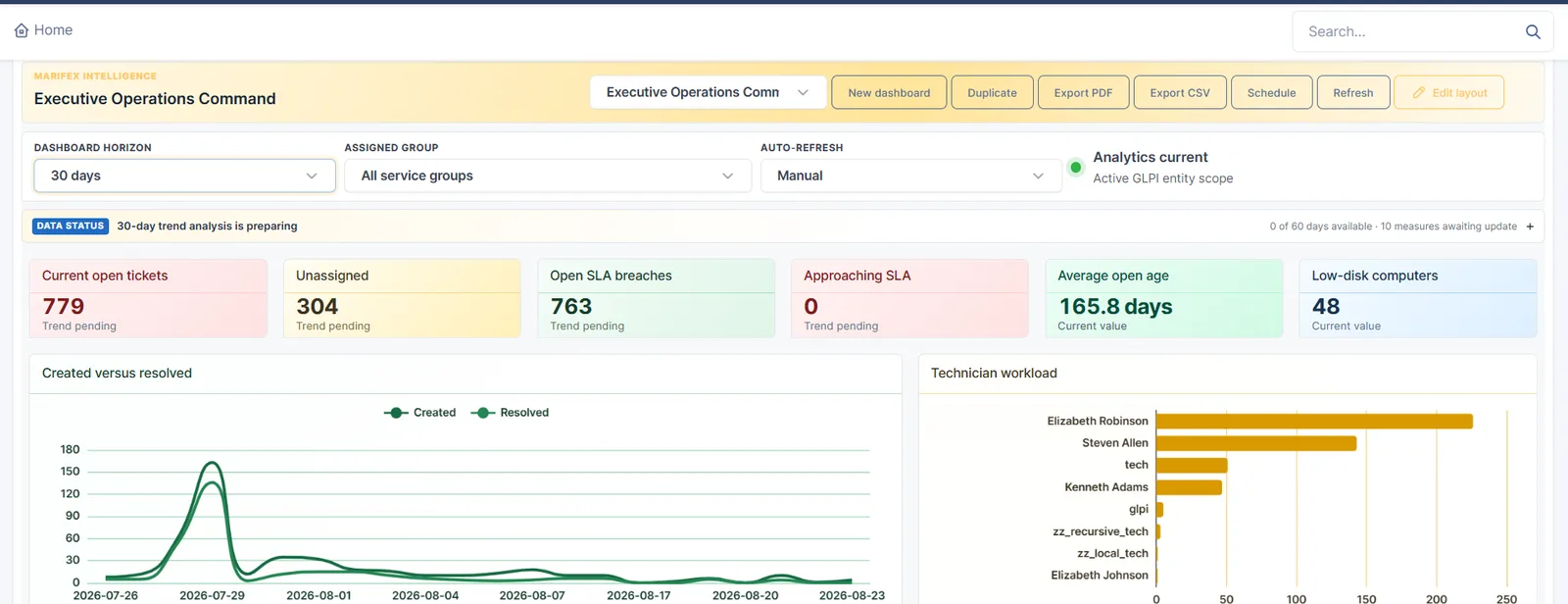
Executive dashboards and reports inside GLPI. Service desk, SLA, workload, asset, licence, change and problem measures, with period comparisons, PDF and CSV reports and scheduled delivery.
What it is
- Executive dashboards on the GLPI home page
- Service desk, SLA, workload, asset, licence, change and problem measures
- Trends over time and controlled period comparisons
- Executive PDF reports and readable CSV exports
- Scheduled reports delivered by email through GLPI
- Access that follows GLPI entities and profiles
Features
What it does.
Executive dashboards
Drag, resize and arrange widgets, with consistent themes and colours, right on the GLPI home page.
Period comparisons
Compare months or quarters, with clear coverage notes as history builds up.
PDF reports
Scope, highlights, performance summary and detail, in business language rather than database names.
CSV exports
A readable summary first, then the detailed records behind it for reconciliation.
Scheduled delivery
Reports sent by email on a schedule, through GLPI’s own mail settings.
Entity and profile access
People see only the entities and data their GLPI profile allows.
Drill-through
Click a number to see the GLPI records behind it, read-only.
Mobile view
A clean dashboard view for authorised mobile apps.
Screens
See it in use.
- Executive dashboard
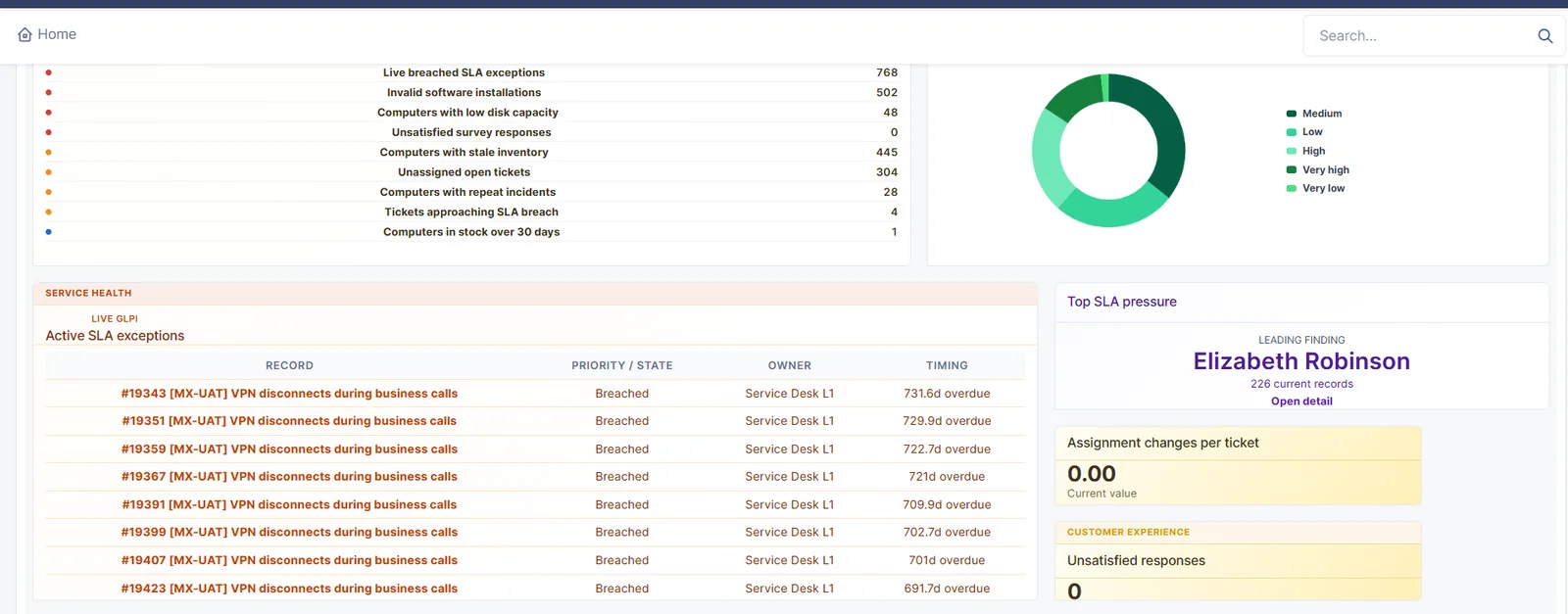 Service health and SLA
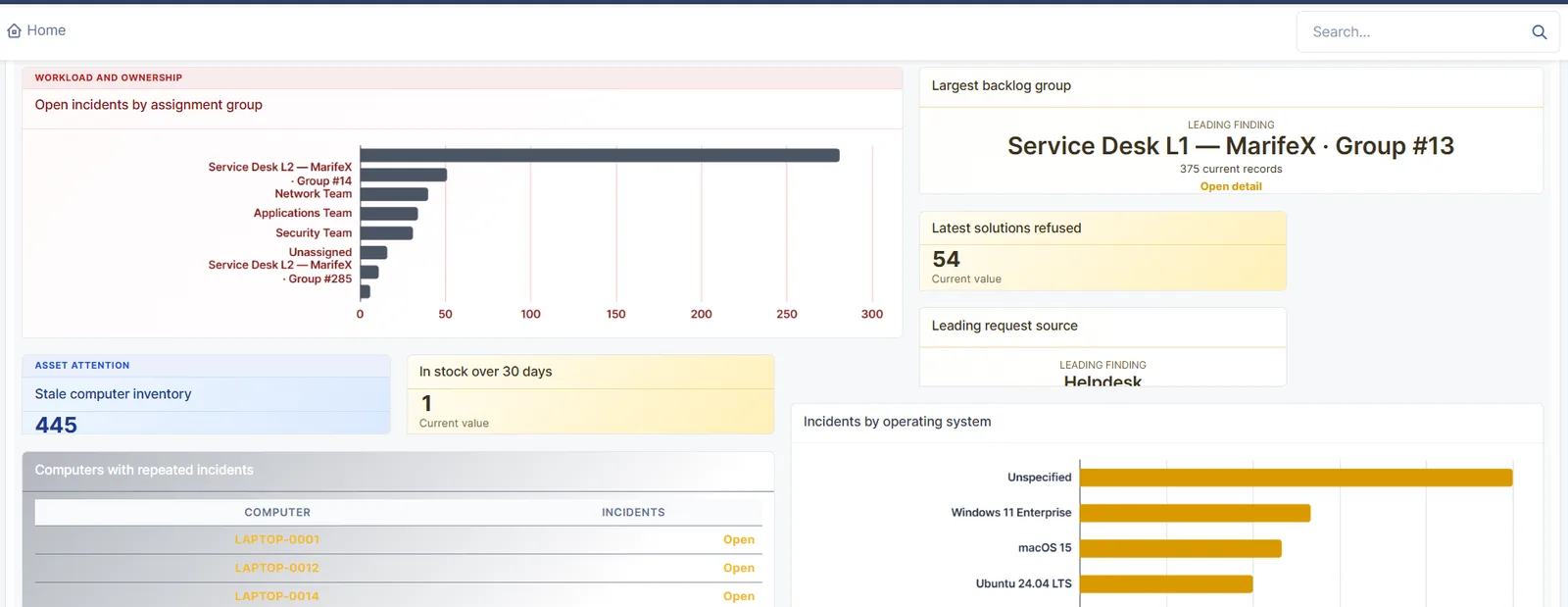 Workload and assets
Select a screen to see it larger.
FAQ
Questions we get asked
How is this different from Metabase?
MarifeX Analytics lives inside GLPI and reports on GLPI data with GLPI’s own access rules. Metabase suits teams that want one place for data from several systems. We will help you pick, or use both.
Does it change GLPI’s database?
It keeps its own plugin tables and leaves GLPI’s core files and operational tables untouched, so GLPI upgrades are not affected.
Can we schedule reports for managers who never log in?
Yes. Reports can be scheduled as PDF or CSV and delivered by email through GLPI’s outgoing mail.
More for GLPI
Other products we built on GLPI.
MarifeX Enterprise Accelerator
Start from a working enterprise service desk, not a blank GLPI.
Learn moreG-Assist by MarifeX
An AI assistant that works inside the GLPI ticket screen, and goes well beyond a ticket summary.
Learn moreWhatsApp Enterprise for GLPI
A service desk inside WhatsApp.
Learn moreSanad by MarifeX
A native Android app for GLPI, built for technicians, supervisors and field teams who work away from a desk.
Learn moreSee Analytics on your own GLPI.
Book a short demo. We will show it working, talk through your setup, and tell you honestly whether it fits.